
Medication List Builder
Create Your Medication List
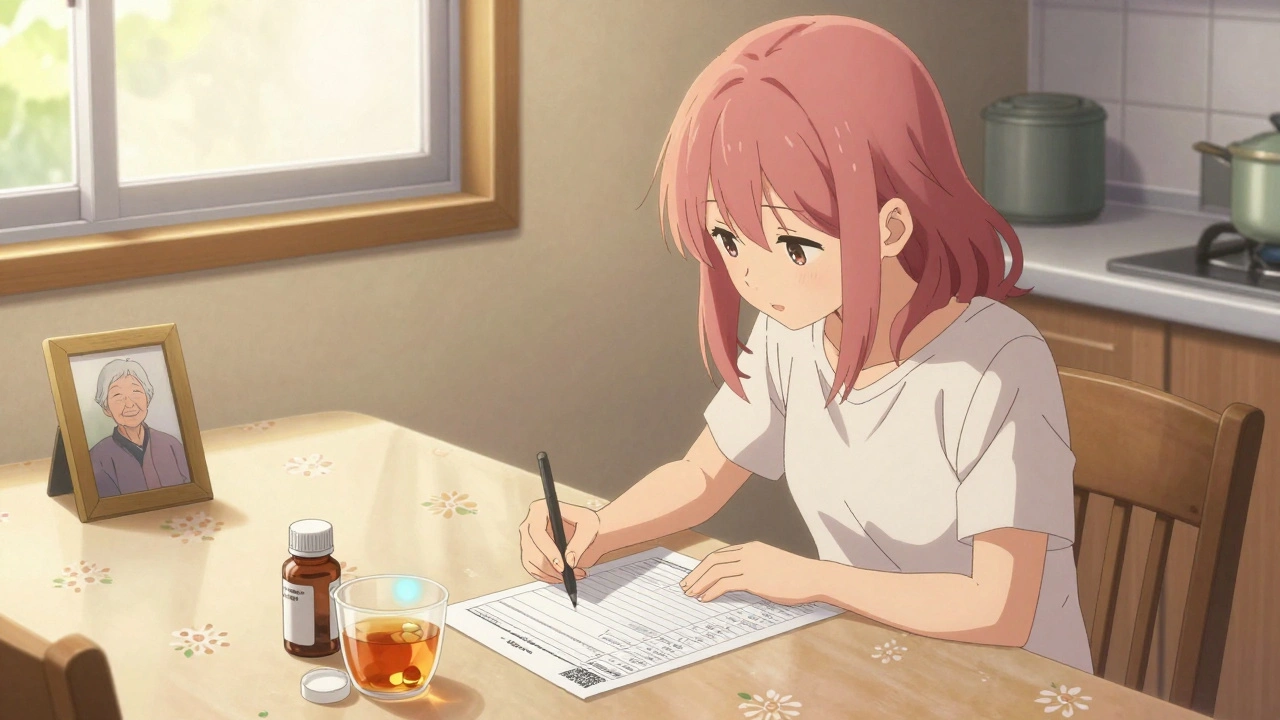
This tool helps you create a complete, up-to-date medication list with all essential information. Your list should include all prescription drugs, over-the-counter medications, vitamins, supplements, and herbal remedies with details that help healthcare providers keep you safe.
Keeping track of your medications isn’t just a good idea-it’s a lifesaver. Every year in the U.S., medication errors send about 1.3 million people to the emergency room. Many of these errors happen because someone can’t remember what they’re taking, or their doctor doesn’t have the full picture. A simple, up-to-date medication list can prevent dangerous interactions, avoid duplicate prescriptions, and give emergency responders critical info when every second counts.
Why a Medication List Matters
You might think you know what you’re taking. But when you’re juggling five prescriptions, three supplements, and a handful of over-the-counter pain relievers, it’s easy to lose track. One study found that 67% of patients in emergency rooms couldn’t accurately list their medications. That’s not just inconvenient-it’s dangerous. Medication lists help you and your doctors spot problems before they happen. Maybe your blood pressure pill clashes with a new supplement. Maybe you’re still taking a drug your doctor canceled last month. A clear list catches those mistakes. The FDA calls it one of the most basic but powerful tools for medication safety. And it’s not just for older adults. Anyone on multiple medications-whether due to chronic illness, surgery recovery, or mental health treatment-benefits.What to Include on Your List
A good medication list doesn’t just name the pills. It gives context. Here’s what to write down:- Medication name (brand and generic, if different)
- Dosage (e.g., 10 mg, 500 mg)
- Frequency (e.g., once daily, twice a day, as needed)
- Purpose (what it’s for-e.g., "for high blood pressure," "for joint pain")
- Prescribing doctor
- Pharmacy name
- Allergies or side effects you’ve experienced
- Over-the-counter drugs (like ibuprofen, antacids, or sleep aids)
- Vitamins and supplements (even if you think they’re "harmless")
- Herbal or traditional remedies (important for cultural practices)
The CDC’s template for tribal communities includes space for traditional medicines-something many standard forms miss. That’s a reminder: your list should reflect your full health picture, not just what’s in a pharmacy bottle.
Printable Templates: Simple, Reliable, and Always Available
Not everyone wants or can use a phone app. For many-especially older adults or those in areas with poor internet-a printed list is the best option. And it’s free. Several trusted organizations offer downloadable, printable templates:- Family Caregivers Online offers both PDF and Microsoft Word versions. The Word version lets you edit it easily, while the PDF is perfect for printing and keeping in your wallet or purse.
- PrintFriendly has one of the most detailed templates, with nine fields including "date of last update," "condition treated," and "notes." It’s straightforward and covers everything you need.
- ASCP Foundation (American Society of Consultant Pharmacists) created a professional-grade template used in clinics and hospitals. It’s clean, clear, and trusted by healthcare providers.
- CDC offers a simple version designed for tribal communities, but it works for anyone. It explicitly asks for traditional medicines, making it more inclusive.
These templates are free, easy to find, and don’t require registration. Just download, fill in, and print. Keep one copy at home, one in your purse or wallet, and give one to your main caregiver or family member.
Digital Templates: Editable, Shareable, and Updatable
If you’re comfortable with technology, digital templates offer big advantages. You can edit them anytime, share them instantly, and even store them in the cloud.- Microsoft Word templates let you type, delete, or rearrange fields. Family Caregivers Online’s Word version lets you add photos of your pill bottles or notes like "take with food" or "avoid alcohol."
- PDF fillable forms (like those from pdfFiller) let you type directly into the document using any browser. You can highlight, blackout private info, or add comments.
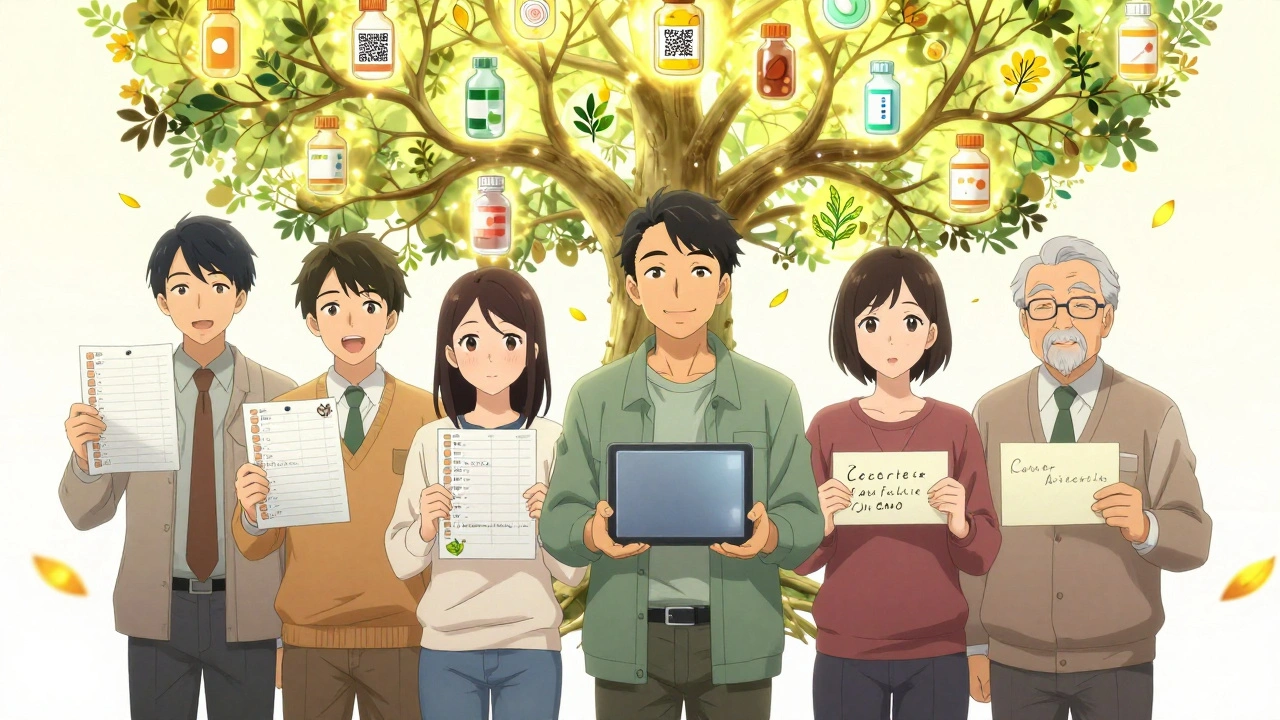
- QR codes are now appearing on newer templates. Family Caregivers Online updated their Word template in June 2024 to include a QR code. Scan it with your phone, and the list opens instantly-no need to dig through papers.
Digital doesn’t mean complicated. Most people can fill out a template in under 12 minutes. The key is keeping it updated. Set a monthly reminder on your phone: "Update meds list." Or do it every time you refill a prescription.
Which Template Should You Choose?
There’s no single "best" template-it depends on your needs.| Template Source | Best For | Format Options | Key Strength | Limitation |
|---|---|---|---|---|
| Family Caregivers Online | Caregivers, families | PDF, Word, QR code | Flexible, easy to edit, includes storage tips | Requires basic computer skills |
| PrintFriendly | Everyone, especially emergency use | PDF only | Most complete fields (9 total) | No editing, no digital version |
| ASCP Foundation | Healthcare professionals, high-risk patients | Highly trusted, clinical standard | No mobile optimization | |
| CDC (Tribal Version) | Cultural inclusion, diverse populations | Includes traditional medicines | Less detailed for complex regimens | |
| SingleCare | Caregivers, seniors | PDF, multiple formats | Includes caregiver checklist | Some users find it too cluttered |
If you’re helping an elderly parent, go with Family Caregivers Online-it’s designed for that. If you’re preparing for a hospital visit, PrintFriendly’s detailed version gives doctors everything they need. If you’re part of a community that uses herbal or traditional remedies, the CDC template respects that.
Common Mistakes and How to Avoid Them
Even with a great template, people make the same errors over and over:- Not updating it-A 2024 Johns Hopkins study found 19% of lists brought to appointments had outdated or discontinued meds. Set a monthly calendar alert.
- Leaving out supplements-People think fish oil or vitamin D is "safe." But 23% of adults have interactions between prescriptions and supplements. List them all.
- Keeping only one copy-If you’re in an accident, the paramedics won’t find it in your dresser drawer. Keep copies: wallet, fridge, caregiver’s phone, and your phone.
- Using a template with too many fields-Dr. Lisa Kern’s research found templates with over 10 fields had 57% lower update rates among seniors. Simpler is better.
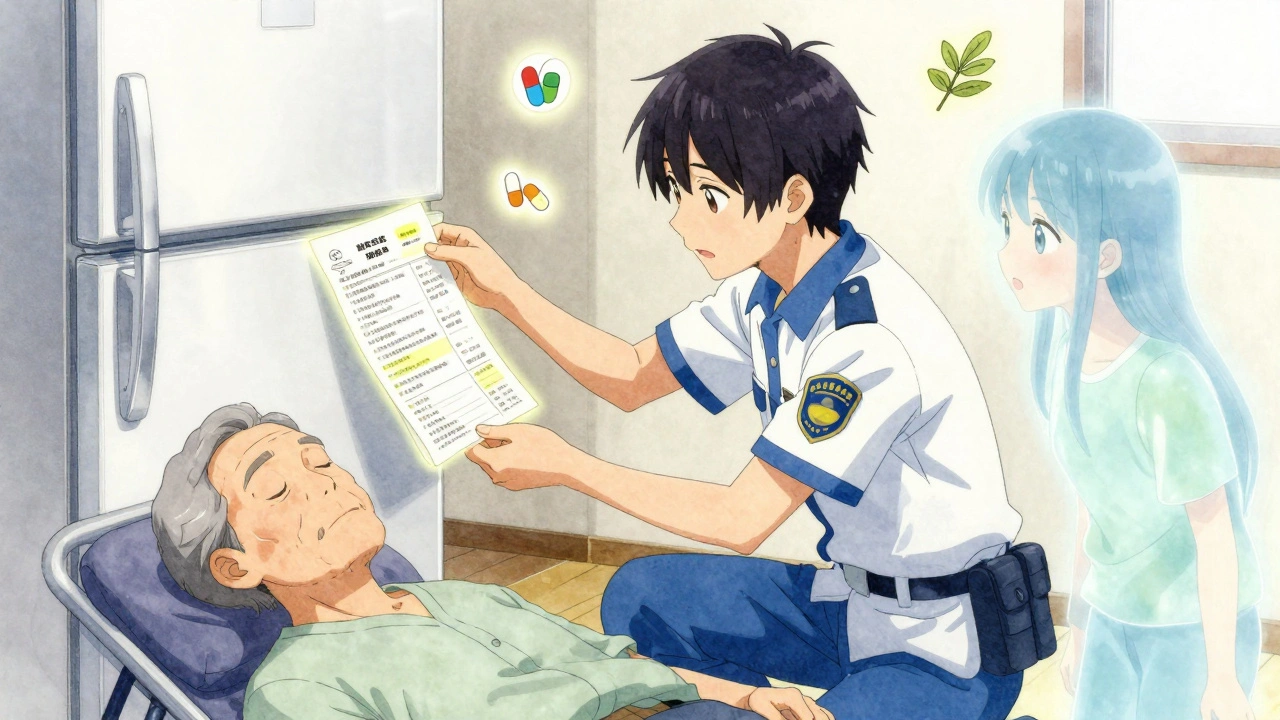
One caregiver on Reddit shared how her mom’s printed list saved her life during a stroke. The paramedics saw the list taped to the fridge and avoided giving a drug that clashed with her blood thinner. That’s the power of a simple, current list.
What’s Next? The Future of Medication Lists
The future is digital-but not because apps are flashy. It’s because they can connect to your pharmacy and doctor’s records. The FDA is pushing for standards so your phone list can sync with your electronic health record. By 2026, Gartner predicts 75% of medication lists will be on smartphones. Right now, free templates are your best tool. Paid apps like Medisafe or Round Health offer automatic refill alerts and drug interaction checks. But they require subscriptions, internet access, and tech comfort. For now, a free printable or editable template gives you 90% of the benefit with zero cost.As smartphone use among adults over 50 hits 97% by 2027, digital will become the norm. But until then, paper isn’t outdated-it’s essential.
Start Today: Your 5-Minute Action Plan
You don’t need to wait. Here’s how to get started right now:- Go to Family Caregivers Online or PrintFriendly and download a free template.
- Gather all your pill bottles, supplement boxes, and OTC medicine packages.
- Fill out the template with every medication, supplement, and herb you take.
- Print two copies: one for your wallet, one for your fridge.
- Take a photo of it and save it in your phone’s Notes app or cloud storage.
Update it every time you get a new prescription or stop taking something. Set a monthly reminder on your phone. That’s it. No apps. No cost. Just safety.
What’s the difference between a medication list and a medication card?
A medication list is a full document with all your drugs, doses, doctors, and notes. A medication card is a smaller version-often designed like a flashcard-that fits in your wallet. SimpleNursing offers both formats. Cards are great for quick reference during emergencies, but lists give you the full picture for doctor visits.
Can I use a phone app instead of a template?
Yes, apps like Medisafe or MyTherapy can track your meds and send reminders. But they require internet access, a smartphone, and consistent use. Free templates work offline, don’t need login details, and can be printed. Many people use both: an app for daily reminders and a printed list for emergencies.
Should I include vitamins and supplements?
Absolutely. The American Pharmacists Association says 23% of adults experience interactions between prescription drugs and supplements. Things like St. John’s Wort, fish oil, or high-dose vitamin K can interfere with blood thinners, antidepressants, and heart meds. List them all-even if you think they’re "natural" and harmless.
How often should I update my medication list?
Update it every time you start, stop, or change a medication. At minimum, review and update it every month. Set a reminder on your phone for the first day of each month. That way, you won’t forget after a doctor’s visit or pharmacy refill.
What if I don’t have a printer?
You don’t need one. Use a digital template in Word or Google Docs and keep it on your phone. Write your list by hand on a piece of paper if needed. The goal isn’t perfection-it’s having an accurate, accessible record. Even a handwritten list on a napkin is better than nothing when you’re in an emergency.
Is it safe to store my medication list on my phone?
It’s safe if you protect your phone with a passcode or biometric lock. Avoid storing it in unsecured cloud apps or emailing it to yourself. Save it in your phone’s Notes app with a password, or use a secure health app. In 2023, a data breach exposed medication lists for 12,000 users-so privacy matters. A printed copy is still the most secure backup.
Chris Wallace
December 2, 2025 AT 03:54Man, I never realized how many people just wing it with their meds until I saw my grandma’s list last year. She had like seven different bottles, three supplements she swore were "just vitamins," and a scribbled note that said "for headaches?" next to aspirin. We sat down and filled out the Family Caregivers template together. Now she keeps it taped to the fridge next to her cat’s vaccination record. I swear, that list saved her when she fell last winter-the EMTs didn’t have to guess what she was on. Just goes to show, even the simplest stuff can be life-changing if you actually do it.
william tao
December 2, 2025 AT 18:59It is astonishing that, in the 21st century, we are still relying upon paper-based systems for the management of pharmaceutical regimens. The inefficiency is not merely anecdotal-it is systemic, and frankly, a public health embarrassment. Digital integration with EHRs is not optional; it is a moral imperative. To suggest that a printed PDF constitutes an adequate solution is to perpetuate a pre-digital paradigm that has no place in modern medicine.
Sandi Allen
December 3, 2025 AT 16:30Wait-so you’re telling me the government is giving out FREE templates… but they’re NOT telling you that Big Pharma is secretly tracking who downloads them?!! I read on a forum (which I won’t name, but it’s a REAL source) that the CDC template has a hidden pixel that logs your IP address-and then your insurance gets flagged for "high-risk medication usage"!! I printed mine on a library computer, used a burner phone to scan the QR code, and then burned the paper with a lighter in my backyard. They’re watching. They’re always watching.
Shubham Pandey
December 5, 2025 AT 05:02Just write it on paper. Done.
Genesis Rubi
December 5, 2025 AT 13:26Ugh I can't believe we still have to do this. Like, why is this even a thing in AMERICA? In Sweden or Germany, your meds are all synced to your national ID and your doctor just sees it automatically. We're still using sticky notes and Word docs? I mean, come on. We're the richest country on earth and we can't even get our pills straight? #FirstWorldProblems
Doug Hawk
December 7, 2025 AT 08:53From a clinical perspective, the most critical variable here isn't the format-it's temporal fidelity. The 19% outdated rate cited from Johns Hopkins isn't just a statistic-it's a proxy for cognitive load and system fragmentation. The fact that templates with >10 fields see 57% lower update rates suggests that user interface design is the primary bottleneck, not patient compliance. We need cognitive offloading, not checklists. Think: voice-to-text integration with pharmacy APIs, passive data capture via pill dispensers, and blockchain-verified audit trails. The printable PDF is a band-aid on a hemorrhage.
John Morrow
December 7, 2025 AT 22:09It’s fascinating how the article casually endorses the CDC’s tribal template as if it’s universally applicable, while ignoring the fact that most of the population doesn’t use traditional remedies. This is performative inclusivity disguised as practical advice. The template is bloated with irrelevant fields for 95% of users, yet the author presents it as the gold standard. Meanwhile, the ASCP template-designed by pharmacists for clinical use-is dismissed as "not mobile optimized." As if usability for the elderly is somehow less important than a QR code. This isn’t patient-centered care. It’s aesthetic activism.
Kristen Yates
December 8, 2025 AT 08:10I work with older patients who’ve never used a smartphone. One woman told me she keeps her list tucked inside her Bible-next to her prayer requests. She writes in pencil so she can change it when the doctor adjusts her pills. She doesn’t care about QR codes or cloud backups. She just wants to be heard when she walks into the ER. Sometimes the most humane solution isn’t the most high-tech one. Just give people a pen and a piece of paper. Let them own it.
Saurabh Tiwari
December 8, 2025 AT 12:52Bro this is so true 😌 I live in India and my uncle takes 8 different pills + ashwagandha + turmeric + a herbal tea for his heart. His doctor never asked about the herbs. I made him a simple list on Google Docs and shared it with his family. Now everyone knows what he’s taking. No fancy app, no printer needed. Just a phone and a little care. 🙏
Michael Campbell
December 9, 2025 AT 20:15They’re gonna use these lists to raise your insurance premiums. You think they don’t track who’s on antidepressants and blood thinners? That’s the first thing they look at when you apply for life insurance. I saw a guy get denied because he had a list with gabapentin and melatonin. "High-risk profile," they said. Don’t write anything down. Just memorize it. Or lie.
Victoria Graci
December 11, 2025 AT 06:34There’s something deeply poetic about the act of writing your medications by hand. It’s not just a list-it’s a covenant with your own body. Each pill, each dose, each reason you take it becomes a stanza in the poem of your survival. In a world that wants us to outsource our health to algorithms and apps, choosing paper is an act of quiet rebellion. It says: I am still here. I am still responsible. I am still human.
Saravanan Sathyanandha
December 11, 2025 AT 12:56In my community in India, we have a tradition of herbal remedies passed down through generations. Many elderly patients do not disclose these to doctors due to fear of judgment. The CDC’s inclusion of traditional medicines is not just practical-it is culturally dignifying. I have personally witnessed how a simple, respectful template has enabled trust between elders and physicians. This is not about technology. It is about respect.
alaa ismail
December 11, 2025 AT 18:36I just use my phone’s notes app. Took me 5 mins. I type it out, screenshot it, and send it to my mom. Easy. No printer, no stress. Why make it complicated?
ruiqing Jane
December 12, 2025 AT 02:02If you’re reading this and thinking "I’ll do it later," please stop. Right now. Open your medicine cabinet. Grab a pen. Write down every single thing you’ve taken in the last 30 days-even the ones you think don’t count. Your future self will thank you. And if you’re helping someone else? Do it with them. This isn’t a chore. It’s love in action.